Inkarnate 2.0 Beta Roll out - Sci-fi, Line & Shape Tools and Art Manager 🚀
We're initiating the rollout of Inkarnate 2.0, our major update poised to significantly enhance the capabilities of our platform. The journey starts with a closed beta phase, where a select group of users will be granted beta access to explore:
- A brand new Sci-Fi Battlemaps style for futuristic adventures. 🚀
- Innovative Line and Shape Tools designed to revolutionize the way you craft rooms, walls, paths, and beyond. 🧱
- The powerful Art Manager, a tool for managing your custom assets easily. ⚙️
- An expanded custom asset limit from 100 to 500, for even greater creative freedom.
Initially, a select group of our most active users will receive beta access via a pop-up message upon their next login, allowing them to explore these new features and art. We'll then expand the beta to more people.
Beyond the incredible updates we've shared, Inkarnate 2.0 will unveil even more significant features. Stay tuned for what's next!
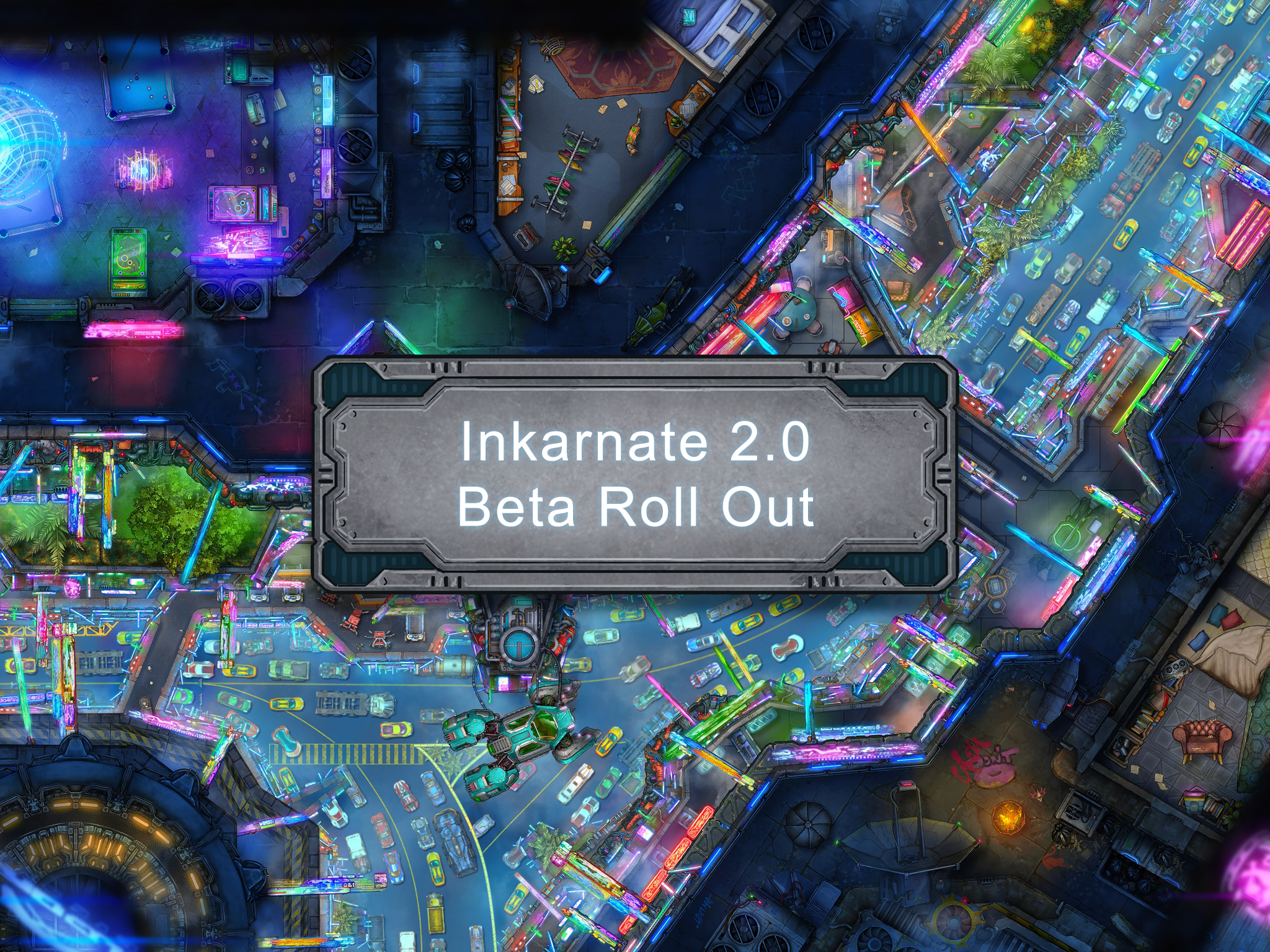
New Sci-Fi Battlemaps Style 🚀
Dive into the future with our Sci-Fi Battlemaps Style, now ready for its debut in this closed beta.
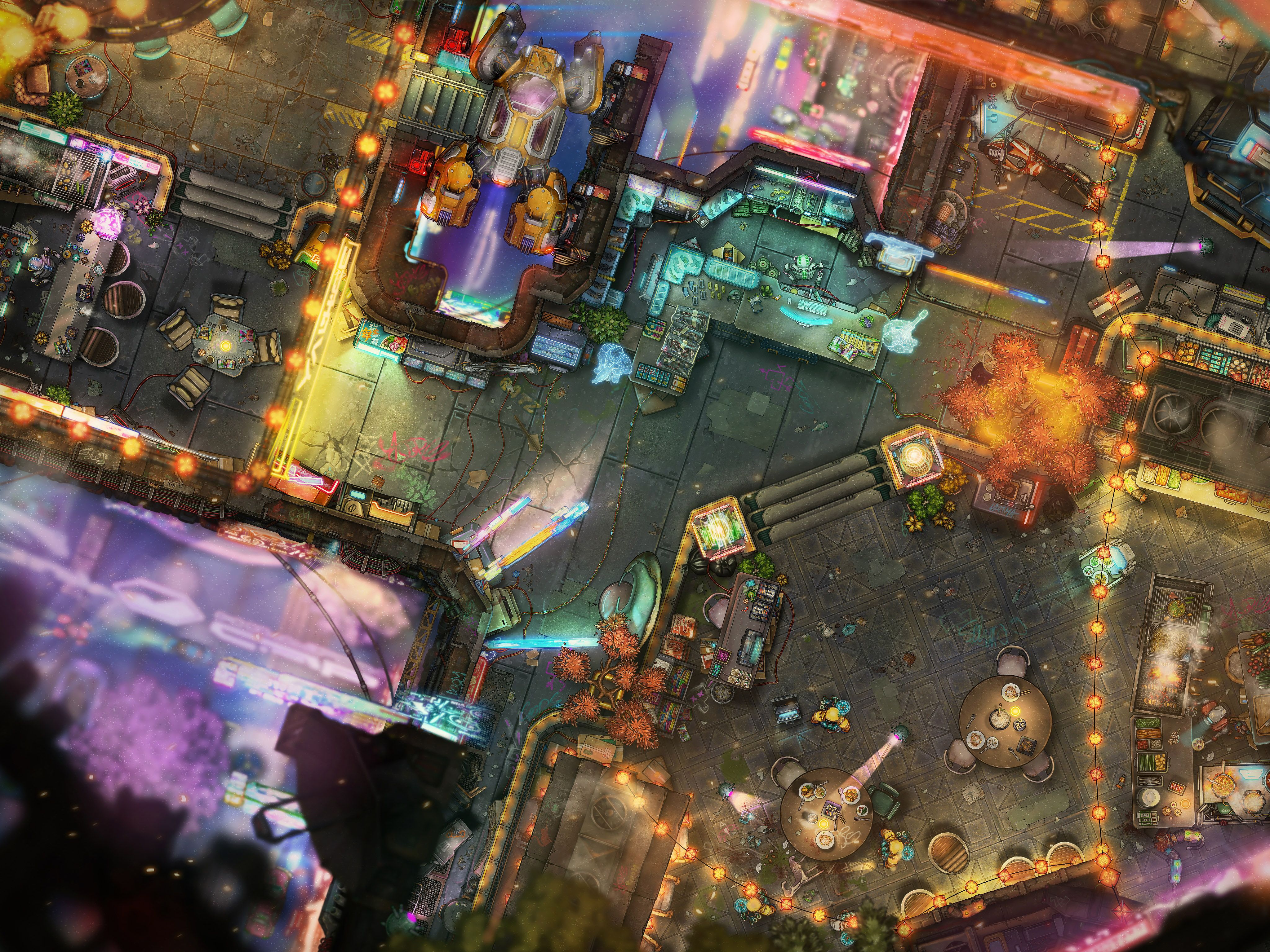
Embark on interstellar adventures with an expansive collection of futuristic assets. From intricate spaceship components and cutting-edge robotic systems to sleek futuristic vehicles, high-tech machinery, and mysterious alien technologies, your narrative scope just got wider.
Featuring 9 new packs, this style is tailored for crafting immersive Sci-Fi and Cyberpunk maps and campaigns.
New Line and Shape Tools 🧱
Transform the way you create maps with our new Line and Shape Tools, making the construction of walls, rooms, and paths simpler and faster than ever. Gone are the days of tediously placing walls one by one. Now, in just a few seconds, these tools enable you to bring complex designs to life with ease.
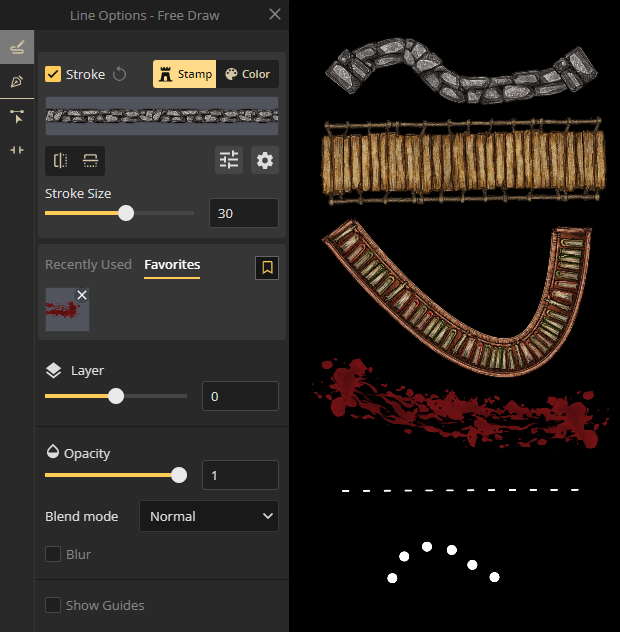
Line Tool:
Instantly draw lines, whether you're sketching out walls with unique stroke assets or delineating paths with colors. Expanding beyond the capabilities of our old Path Tool, it offers enhanced flexibility and creative options.
Shape Tool:
Effortlessly create shapes with defined stroke outlines and filled with either texture or color. This tool is particularly powerful for designing detailed rooms with unique layouts.
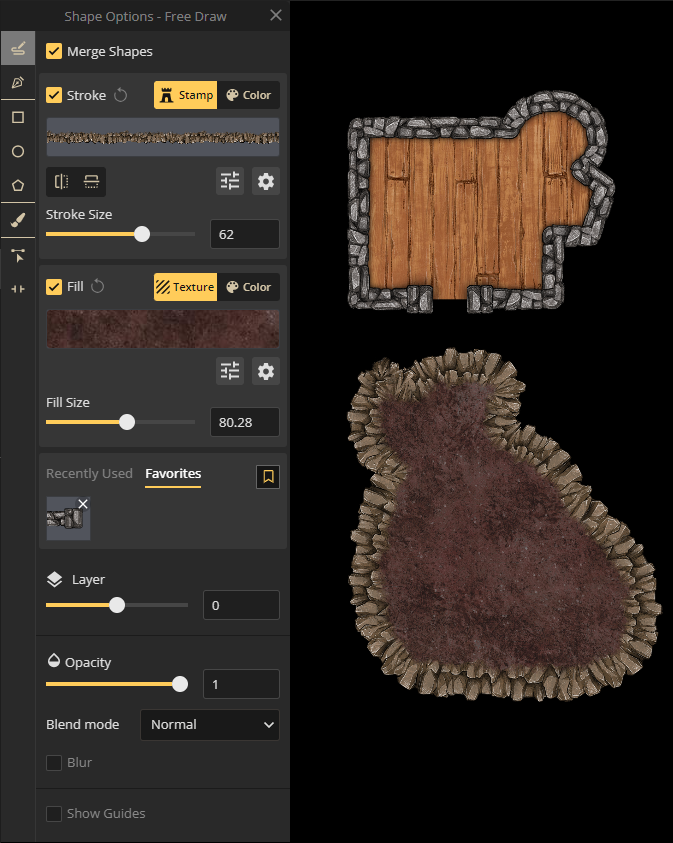
These tools are not limited to constructing rooms and walls. Their versatility opens up endless possibilities for your designs. Effortlessly forge cavern walls, lay down intricate train tracks, or create winding blood trails with ease and precision.
Art Manager ⚙️
The Art Manager, a tool used by the Inkarnate team for uploading, managing, and releasing art, is now at your fingertips. This powerful new feature streamlines the management of your custom assets, making it easier than ever to organize, access, and incorporate them into your maps.
In the future, the Art Manager will evolve into a pivotal platform for artists within our community, enabling creators to publish and monetize their custom art packs through an upcoming Inkarnate Marketplace.
With the Art Manager:
- You can organize your custom art by creating your own styles and packs.
- You can create your own Stamp Sets, grouping similar assets together.
- You can tag your custom art.
- You can customize the settings of assets. (ex Random Rotation)
- There are also asset presets that make it easy to reapply asset settings to several assets.
Accessing the Art Manager
It can be accessed from the top panel once you log in.

Here's an Art Manager overview video explaining everything in more detail.
As we've highlighted, this closed beta release marks the initial phase in our journey toward the Inkarnate 2.0 release.
We will be expanding access to the beta progressively, inviting more of our community to join in. Keep an eye out for the built-in pop-up message in your account for your chance to explore these exciting new features.