
Updates

Follow new updates and improvements to Inkarnate.

New Art : Core 2.0, Battlefield 2.0, Market 2.0, Sewers 2.0 Additions (Early Access)

Studio plans are getting additions to four of our Fantasy Battlemaps art packs as part of the Early Access benefit.

For now, these additions will appear as separate packs under the originals, labeled "[Pack Name] Additions (EA)", until they are merged into the original packs during their public release.


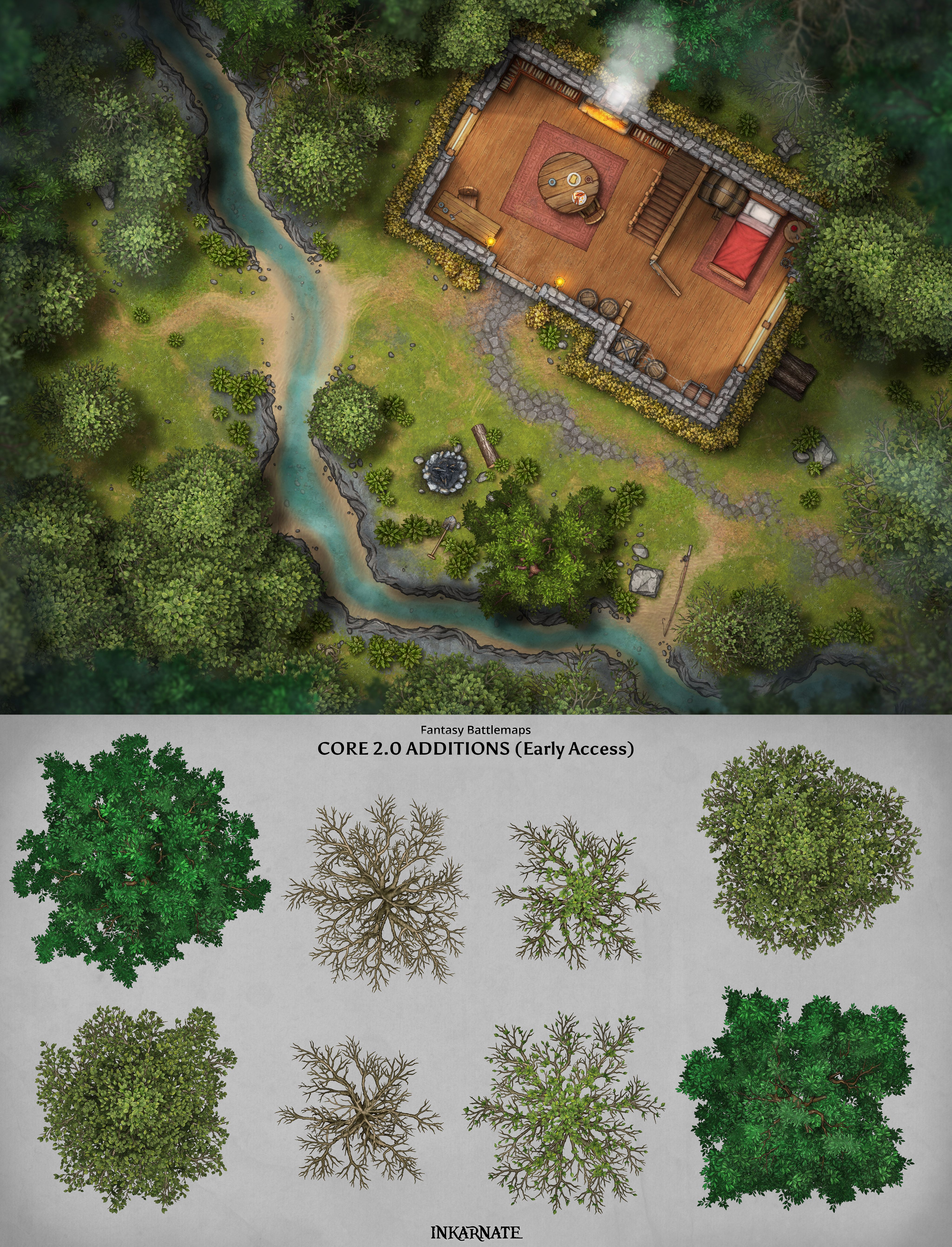
Core 2.0 Additions

We're expanding the Core 2.0 pack with larger versions of our existing trees, giving you more flexibility when creating forests, wilderness areas, and other outdoor environments.
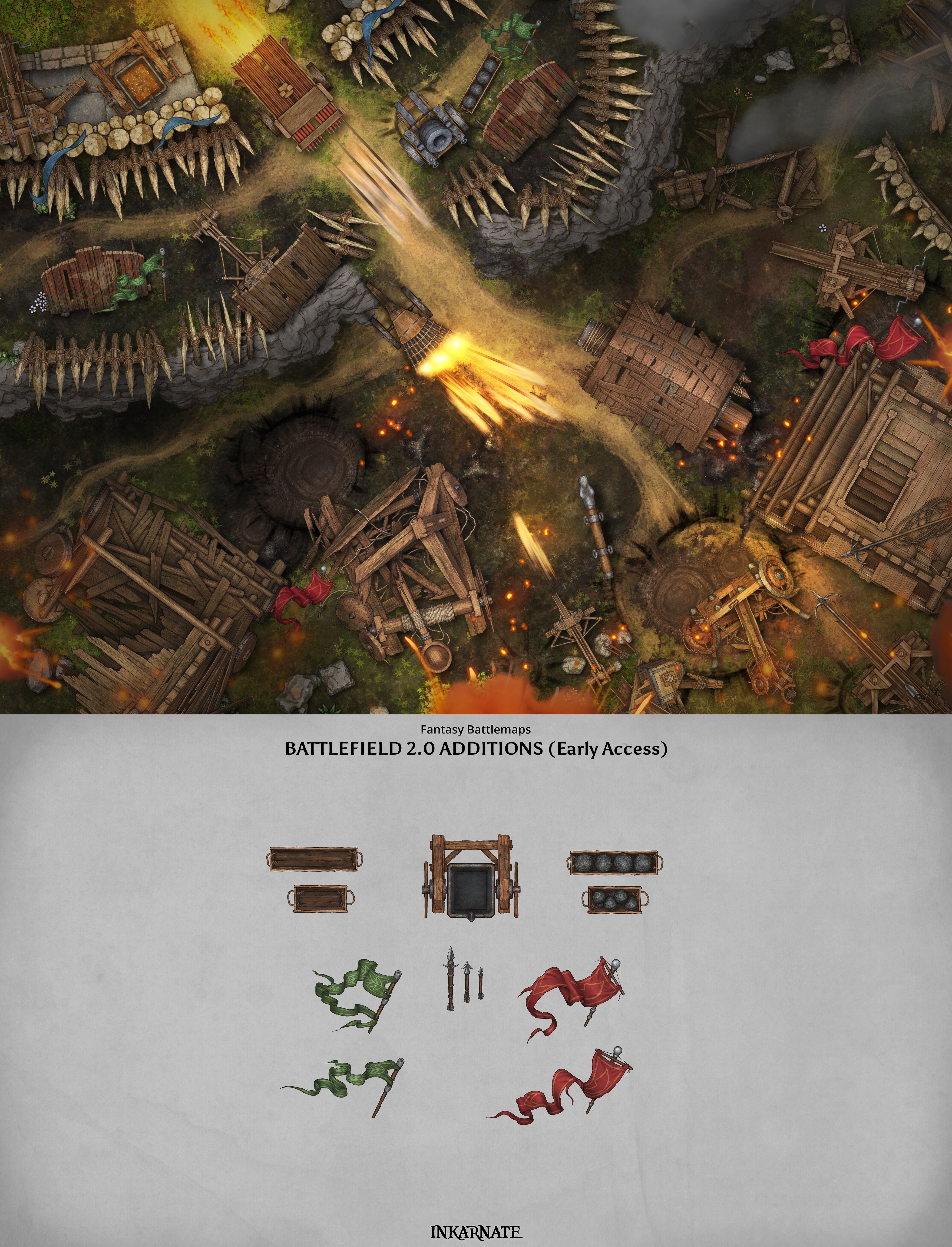
Battlefield 2.0 Additions

Bring more detail to your battlefields with new flags, projectiles, and an empty oil cauldron.

These additions give you more options for creating fortified positions, battle scenes, and encounters.
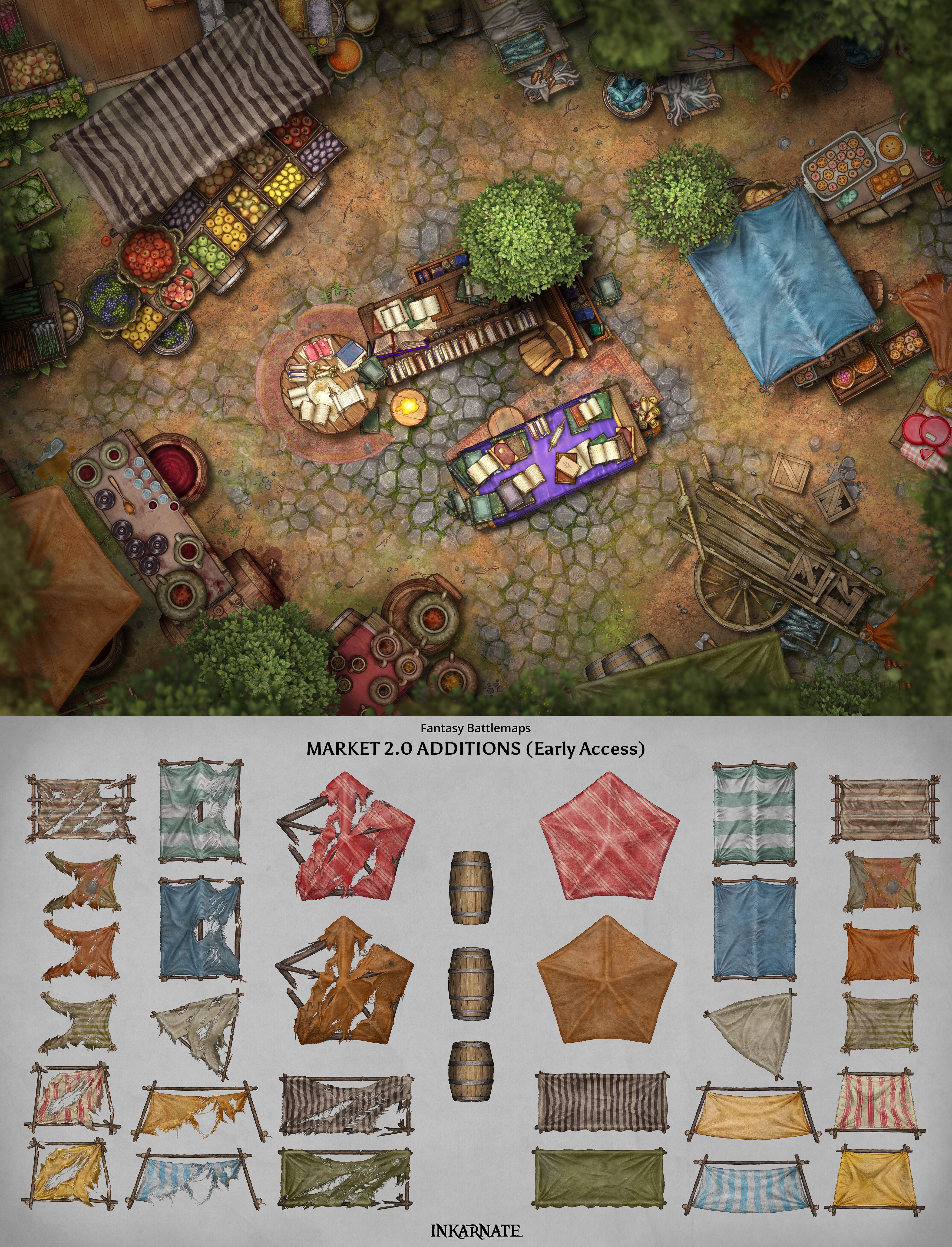
Market 2.0 Additions

We're adding a variety of new market tents, including both intact and torn variations, along with additional barrels.

These additions give you more flexibility when creating bustling marketplaces, merchant stalls, and trading areas.
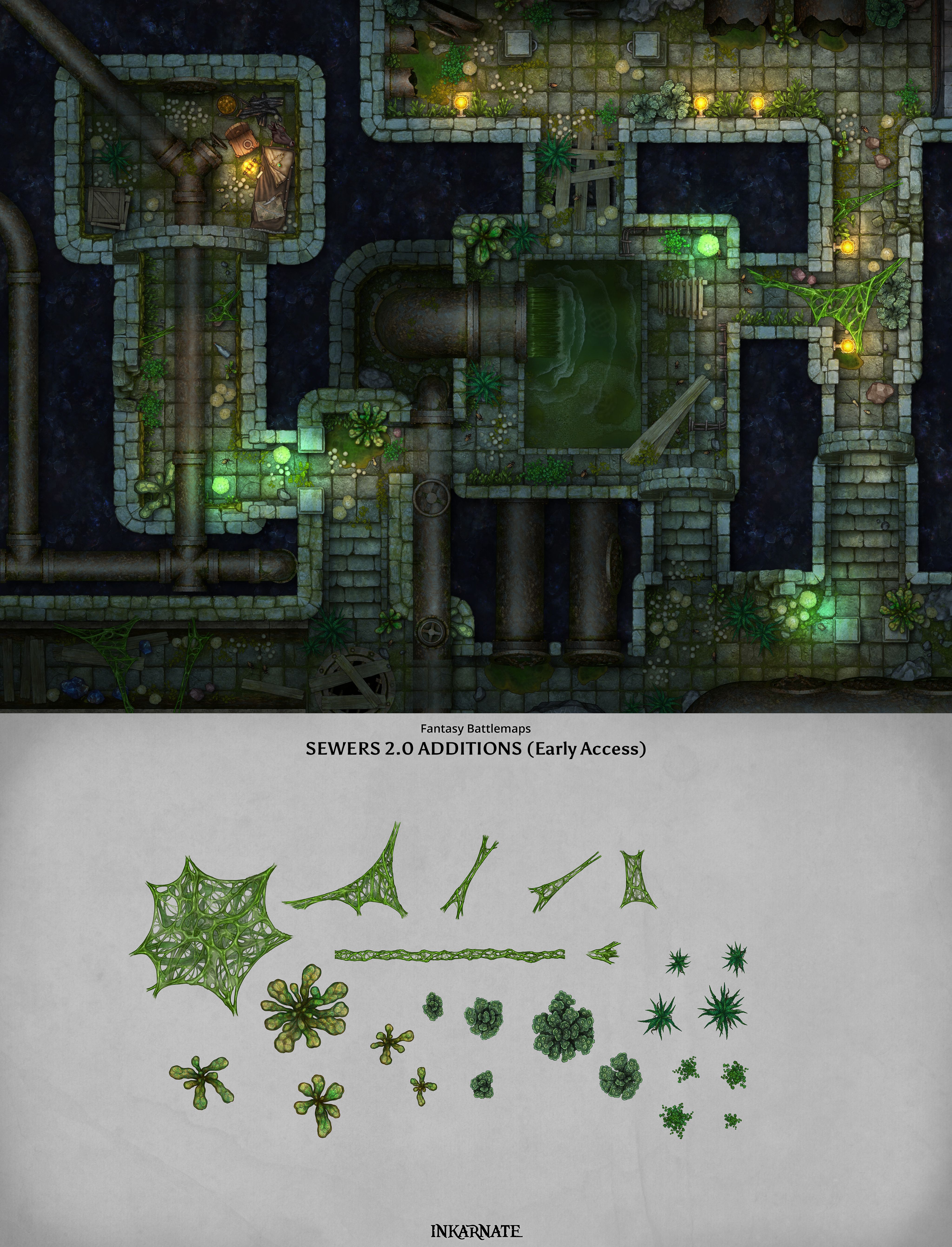
Sewers 2.0 Additions

Give your underground environments more character with additional plant varieties and slime-covered details.

These additions are great for creating overgrown sewers, abandoned tunnels, and other damp, mysterious underground locations.
Jump into the editor and try out these new additions!
Art Release

New Art: Forest & Home

Creator plans are getting two brand new Fantasy Battlemaps art packs!

(Studio plans already had access to these as part of the Early Access benefit.)


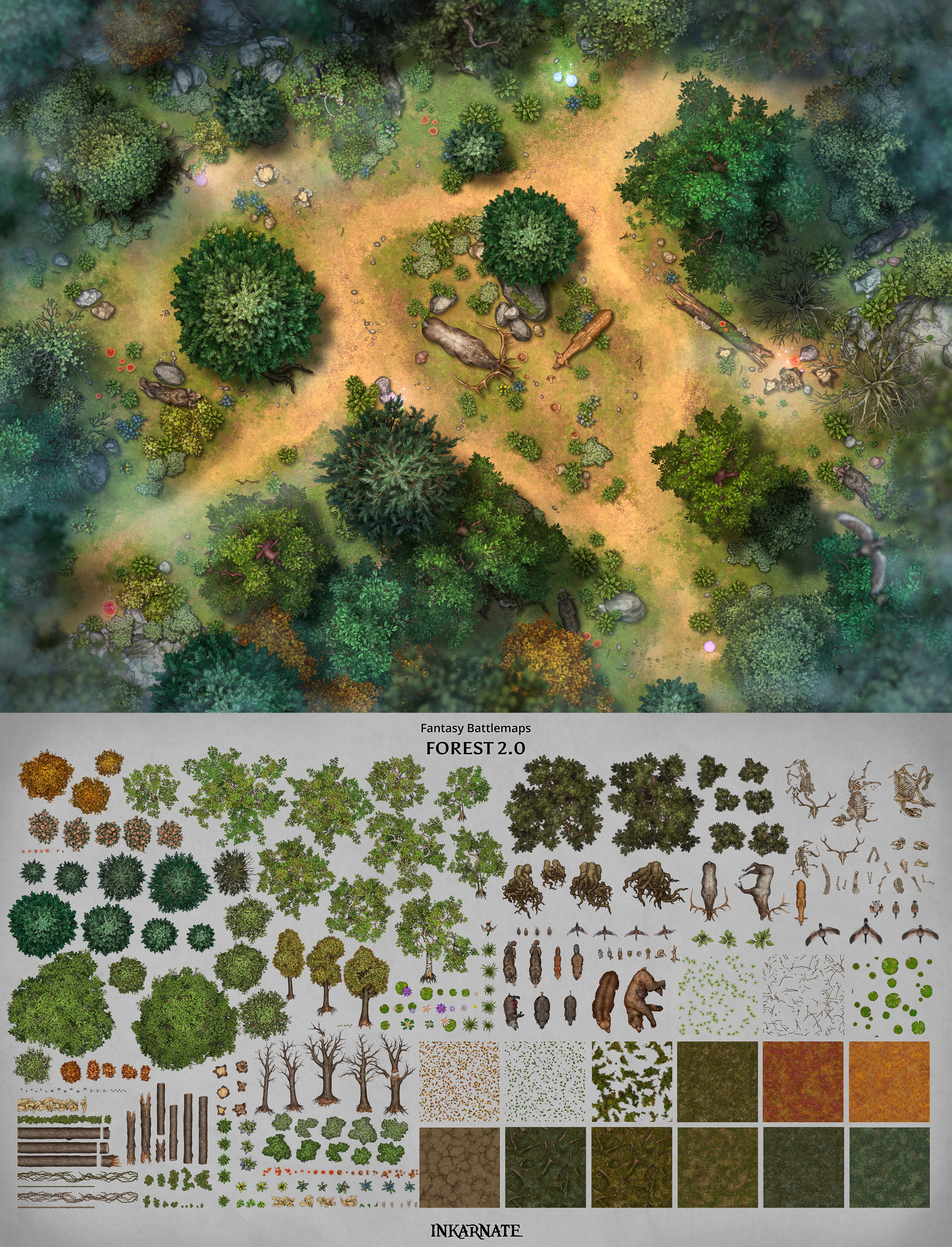
Forest 2.0

Bring more variety and detail to your outdoor environments with the new Forest 2.0 pack.

Featuring lots of trees, bush roots, various plants, animals, and a selection of textures, this pack gives you plenty of new options for building forests and other exterior areas.

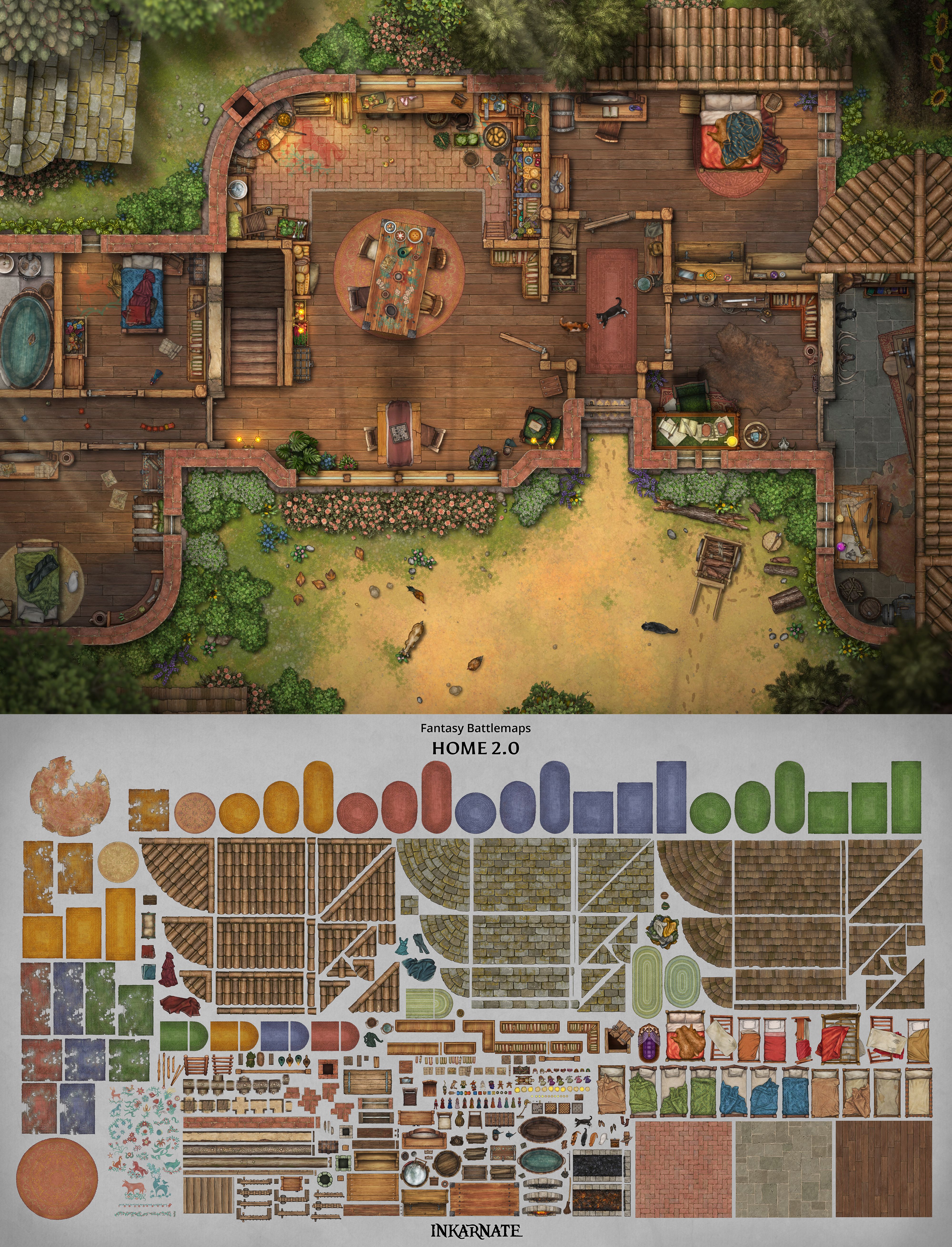
Home 2.0

Bring everyday spaces to life with the new Home 2.0 pack.

There’s games, toys, new tools, clothes, containers and more assets that will bring more life to the daily routine. 

We hope these will help you build awesome homes and we can’t wait to see what you make with these additions!


Jump in and try them all out.

Art Release

Small Additions & Fixes

Additions

Documentation

We’ve added written documentation to our new Help Center, including guides for the Editor, Art Manager, and Marketplace, plus tips & tricks and troubleshooting guides.

Editor & Tools

  • New Flip Shortcuts: Use H to flip objects horizontally and J to flip them vertically.

  • Art Manager: Renamed “Assets” to “Art Manager” in the side panel for better clarity.

  • Isometric Grid Preview: Added an optional grid overlay to the Collision Options preview in the Art Manager to make positioning anchor points easier.

Interface & Navigation

  • Updated Login & Sign-Up Buttons: Improved the appearance of login and sign-up buttons for a more consistent design across the website.

  • Marketplace Navigation: Added a Back button to marketplace product pages for easier navigation.

Bug Fixes

Editor & Objects

  • Inaccessible Assets: Fixed a crash when opening maps containing assets from a higher tier. Affected assets are now removed, and users are notified.

  • Layer Duplication: Fixed an issue where duplicating grid or filter layers incorrectly created mixed layers containing both objects and filters/grids.

  • Object Selection: Fixed an issue where selecting a line or shape from the object list unexpectedly switched away from the Select tool.

  • Stamp Blend Modes: Fixed an issue where stamps reverted to their default blend mode after each placement.

  • Node Editing: Fixed an issue where changing the node type (straight/curved) for multiple selected nodes only affected the last selected node.

  • Object List Previews: Fixed an issue where line and shape previews did not update immediately after adjusting their colors or visual settings.

  • Grid Options: Fixed an issue where the first interaction with grid settings was ignored when opening the options.

  • Tag Filters: Fixed an issue where expanding, collapsing, or selecting tags caused the filter list to jump back to the top.

  • Firefox Color Adjustments: Fixed an issue where color adjustment values appeared inverted in Firefox compared to other browsers.

Exporting

  • HD Text Export: Fixed unwanted artifact lines appearing around text objects in HD exports on Windows.

  • Custom Map Export: Fixed a crash when exporting very wide maps using custom aspect ratios.

Interface & Navigation

  • Desktop App Shortcuts: Fixed an issue where pressing Ctrl + W unexpectedly closed the desktop app.

  • My Maps Toolbar: Fixed a visual issue where the toolbar jittered or became partially hidden when scrolling.

  • Dashboard Context Menu: Fixed an issue where the context menu for recently used maps closed unexpectedly when hovering over “Move map to folder.”

Login & Public Maps

  • Google Passkey Login: Fixed an issue where signing in with a Google passkey stored on the same device could get stuck.

  • Public Map Viewing: Fixed an issue where logged-out visitors could encounter errors when viewing public maps.

New FeatureFixed

Earlier updates