Inkarnate 2.0 Beta Roll out - Expansion
We're excited to announce the expansion of our Inkarnate 2.0 Beta, now welcoming a total of 5,000 users to this Beta access phase.
As a token of appreciation for the outstanding maps, we will also include every contributor with a featured map on Explore in the Beta program. This will be updated with each subsequent Beta rollout.
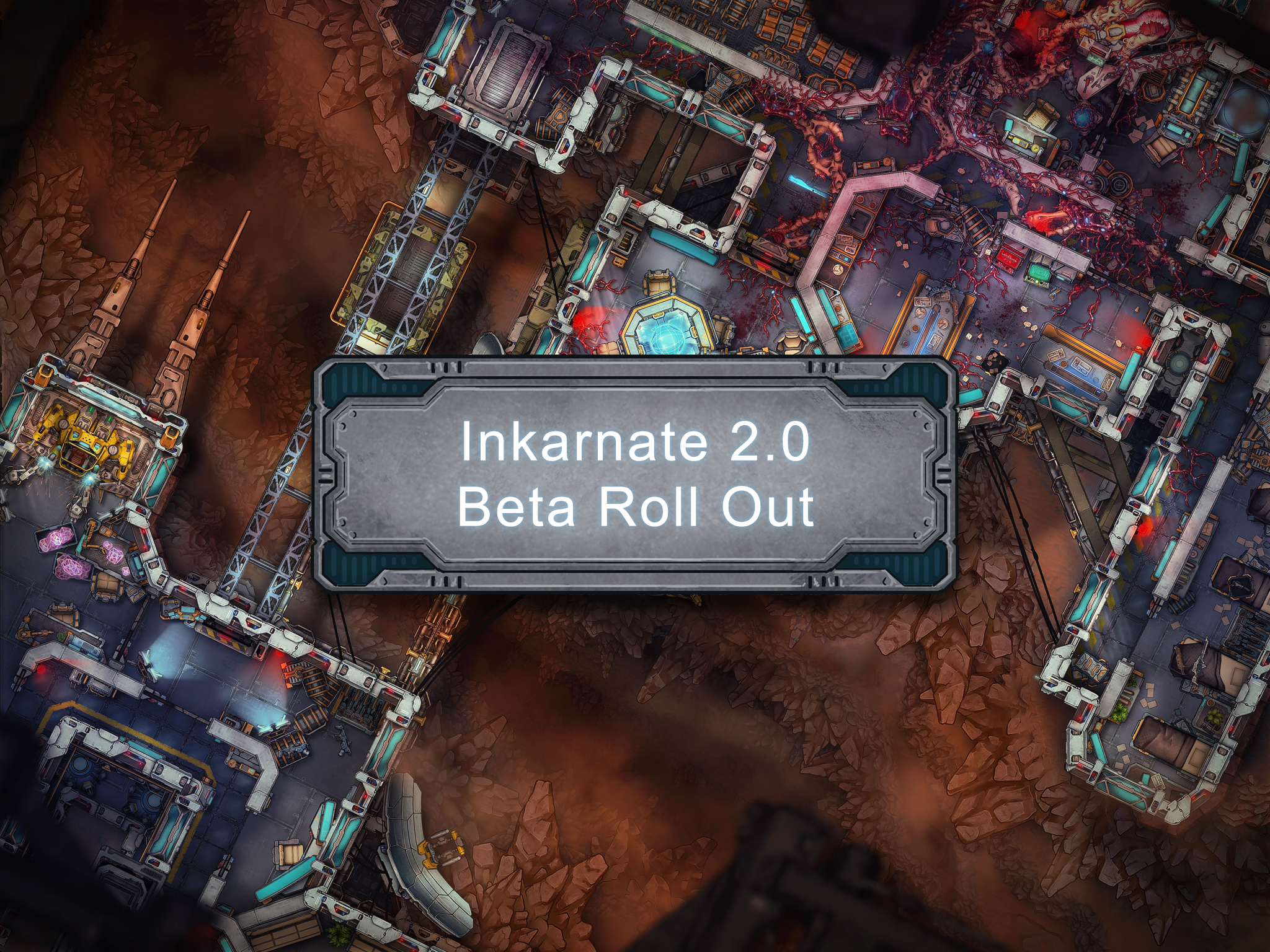
These users will be granted beta access to explore:
- A brand new Sci-Fi Battlemaps style for futuristic adventures. 🚀
- Innovative Line and Shape Tools designed to revolutionize the way you craft rooms, walls, paths, and beyond. 🧱
- The powerful Art Manager, a tool for managing your custom assets easily. ⚙️
- An expanded custom asset limit from 100 to 500, for even greater creative freedom.
Access will initially be granted to our most active users, who will receive a pop-up message upon their next login, inviting them to explore these new features and art. We plan on extending Beta access to more users in the coming weeks.
Join the Conversation: We've opened a new #inkarnate2_0-beta Discord channel specifically for Beta-Access discussions. It's a space to share your thoughts, feedback, and get tips from fellow map makers.
As we roll out these exciting updates, remember that Inkarnate 2.0 is set to unveil even more significant features. Stay tuned for future updates, and thank you for playing a crucial role in our journey to Inkarnate 2.0.
v1.26.0
We've also released some new fixes, and quality-of-life improvements.
Changes:
- Active Lines/Shapes are now prominently marked in the object list for easier identification.
- Enhanced catalog "no results" page with a direct link button to the feedback board, encouraging suggestions from users.
- Introduced new context menus Open Shape, Close Line, and Edit Node for enhanced manipulation of Lines & Shapes.
- Added a recommendation to create an offline backup as a precaution in case of saving failures.
Bug Fixes:
- Fixed crashes related to undo and redo actions for the Line and Shape tool under specific circumstances.
- Fixed Clip mask overlap issues for Strokes after undoing a node change.
- The Select Panel is no longer displayed when Line and Shape entities are selected together (Mixed Selection will be implemented soon)
- Rendering fix for Blurred Lines/Shapes at canvas edges, ensuring correct display.
- Corrected display issues on the explore page, preventing archived styles from being shown.